
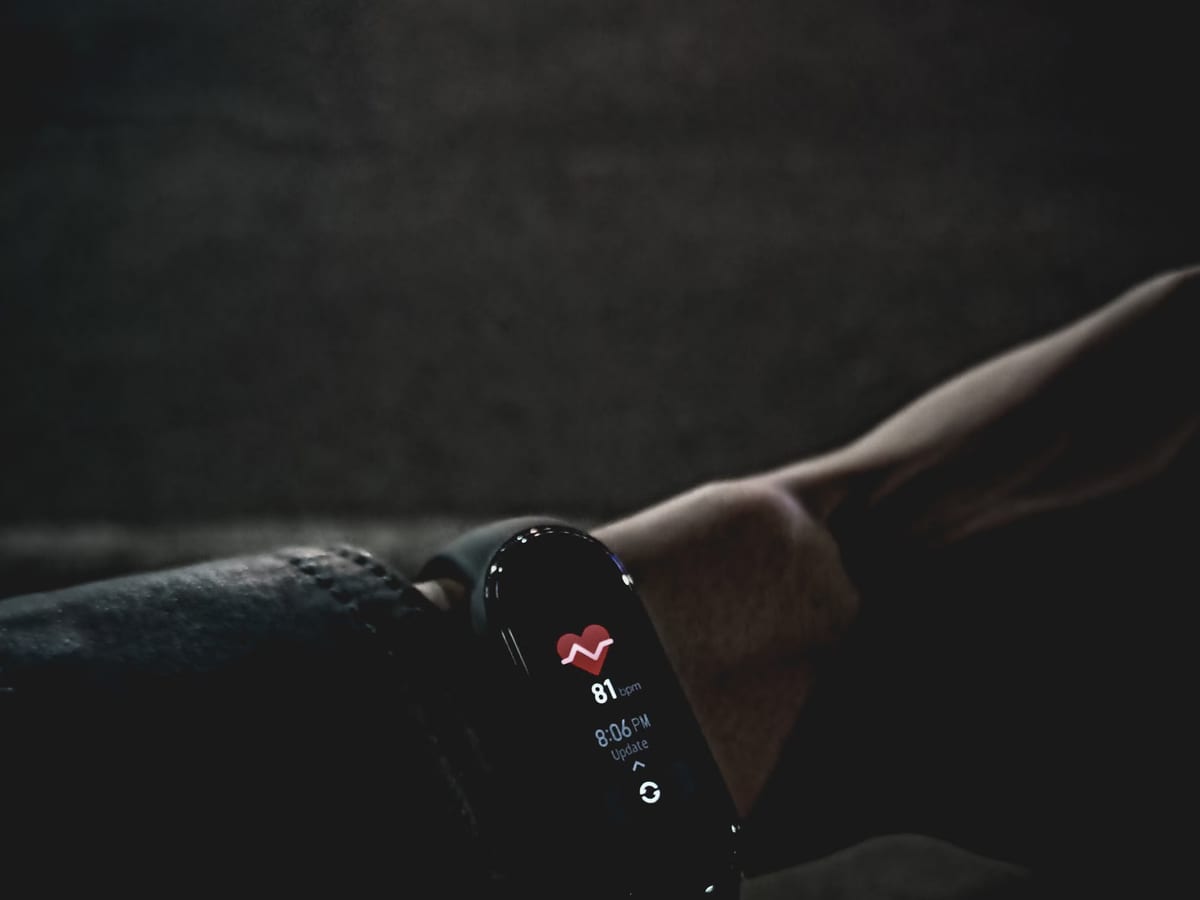
Wearable Telemetry Units
Body-worn sensor pods with 1000 Hz inertial capture, dual-band GNSS and an indoor local positioning fallback.
Module detail — Wearable Telemetry UnitsModule 05 · Team Analytics Suite
The browser workspace your staff actually live in — squad boards, individual timelines, session planning, and an audit trail behind every figure.
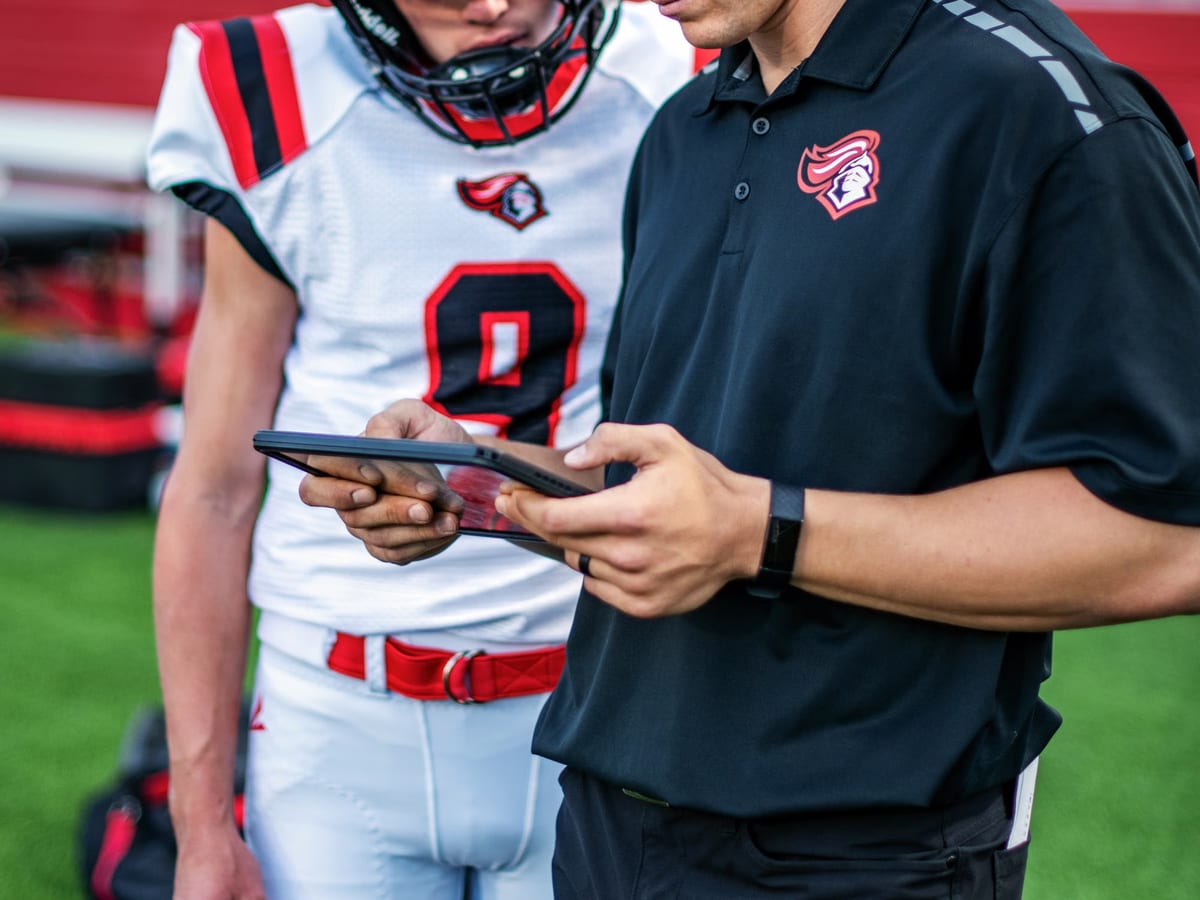
A performance department is not one audience. A head coach wants to know who is available and what tomorrow costs. A strength and conditioning coach wants this week's individual prescriptions against last week's exposure. An analyst wants to interrogate the underlying series. A physiotherapist wants a rehabilitation progression next to objective output, and needs their clinical notes not to appear on anyone else's screen.
The suite is built around those four jobs as distinct views over one dataset, with role-scoped field visibility enforced server-side. A coach account does not receive medical fields in the API response and then hide them in the interface — it does not receive them.
The default view: every athlete as a row, the last four weeks as columns, cells coloured by exposure relative to the individual's own rolling baseline. Availability status pulled from your athlete management system sits alongside. It is deliberately a comparison against self, not against squad, because a squad-relative heat map mostly tells you who the high-volume athletes are — something the staff already know.
From any cell you drill into the session, and from any session into the raw series. The path from a coloured square to the actual accelerometer trace that produced it is four clicks, and it is the single feature staff cite most often when they stop distrusting the numbers.
Per athlete, everything on one horizontal axis: external and internal load, readiness, availability, absences, tests, motion-capture sessions and notes. Zoom from a season to a single session. Overlay a previous season for the same athlete. Mark a period as a rehabilitation block so that comparisons treat it correctly rather than reading it as an unexplained volume drop.
Plans are entered before the week rather than reconstructed after it: sessions with expected duration, expected intensity and per-athlete modifications. The projection engine applies the plan to each athlete's rolling windows and shows the resulting exposure trajectory. Afterwards the actual session is reconciled against the plan automatically, and the difference is itself a tracked quantity — a department that consistently over-runs its planned intensity by twenty percent learns more from that fact than from any single session report.
Every derived figure in the suite carries three things: the session it came from, the algorithm version that computed it, and the threshold configuration in force at the time. Change your speed bands in March and February's numbers do not silently change with them; you get an explicit recompute action, and both versions remain available for comparison.
Access to individual athlete records is logged. The log is exportable, and it is designed to be shown to an athlete or their representative who asks who has been looking at their data — a question that arrives more often now than it did five years ago, and one a club should be able to answer in minutes.
The suite is not an athlete management system and does not try to be. It reads squads, calendars and availability from your AMS and writes summaries back. It ingests third-party positional sessions, force-plate outputs and questionnaire responses. It exports on a schedule to wherever your club's reporting lives. See the platform overview for the full integration picture, or ask us about a specific product and we will give you a straight answer about whether the connector exists today.
No scheduling, no medical record keeping, no contract or scouting management. Those belong in the systems your club already runs, and a telemetry vendor is a poor place to put them.
Elsewhere on the chain
Body-worn sensor pods with 1000 Hz inertial capture, dual-band GNSS and an indoor local positioning fallback.
Module detail — Wearable Telemetry Units
External and internal load in one model, with RMSSD-based readiness and honest uncertainty bands.
Module detail — Training Load & Readiness
Multi-camera pose estimation for joint kinematics without suits, markers or a laboratory booking.
Module detail — Markerless Motion CaptureForty-five minutes, one anonymised session file, and a straight answer about whether this module solves the problem you actually have.